10 everyday home items that weaken your Wi-Fi signal in the UK
Ever scream “WHY is the Wi-Fi so slow?!”
Then side-eye the router like it just betrayed you?
Here’s a wild thought: it might not be your router’s fault.
Your humble British home could be full of Wi-Fi assassins.
Yep. Everyday stuff — the décor, the fish tank, even your fairy lights — might be messing with your broadband.
Let’s expose the culprits, fix the problems, and (you guessed it)... Upgrade.
🐠 1. Your fish tank
Yep. Nemo is killing your signal.
Water absorbs Wi-Fi waves, especially if your tank is between your router and your devices.
🎯 Fix it: Move your router away from anything watery.
🪞 2. Mirrors (AKA: The signal reflector 9000)
Mirrors with metal backing bounce signals away like some kind of anti-Wi-Fi forcefield.
🎯 Fix it: Don’t place routers near or behind mirrors.
📺 3. Your TV
Putting your router behind the telly = signal blackout.
🎯 Fix it: Routers need space and visibility — not a binge-watching companion.
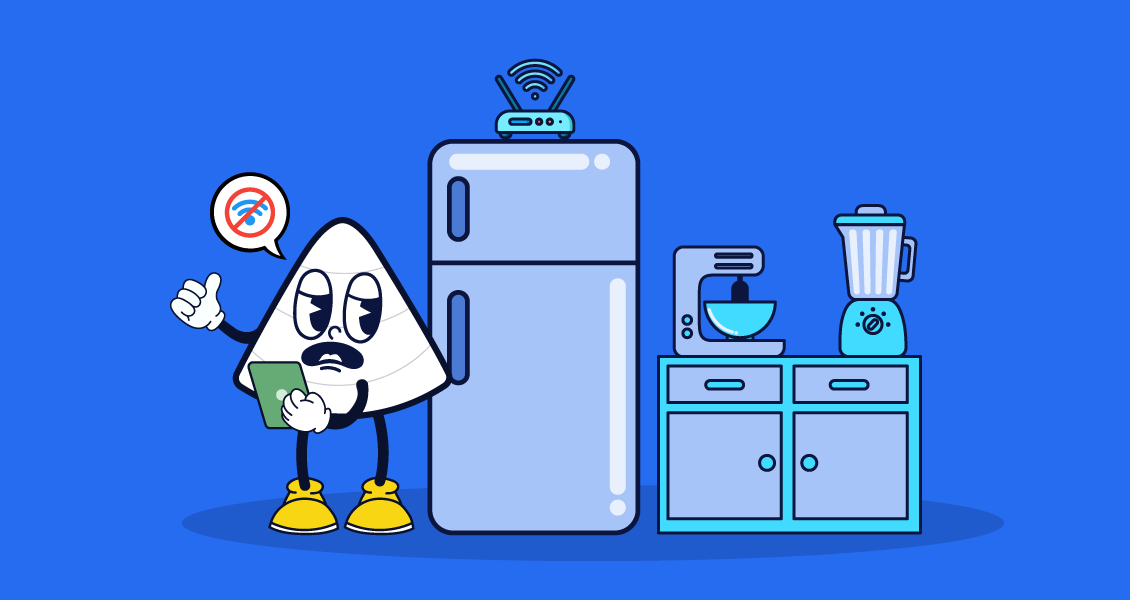
🍽 4. Fridges, ovens & other metal beasts
Metal is the mortal enemy of Wi-Fi. It reflects and absorbs signals like a sponge.
🎯 Fix it: Routers don’t belong in the kitchen.
🎧 5. Bluetooth devices
Your speaker’s jam session might be clashing with your Wi-Fi signal — especially on the 2.4GHz band.
🎯 Fix it: Switch to 5GHz if your router supports it.
📞 6. Cordless Phones
Old-school handsets still use the 2.4GHz frequency — the same as most Wi-Fi signals. Clash of the signals = chaos.
🎯 Fix it: Upgrade to DECT 6.0 phones or move them away from the router.
👶 7. Baby monitors
Yes, that angelic nursery cam could be zapping your Zoom calls.
🎯 Fix it: Use digital monitors with different frequencies or keep them on a separate network.
💡 8. Dimmer lamps & halogen lights
When dimmers buzz, so does your Wi-Fi. Electromagnetic interference is no joke.
🎯 Fix it: Use LEDs or keep lighting away from the router.
🎄 9. Fairy lights (Sorry, Christmas)
Twinkly lights can twinkle their way into interfering with your broadband.
🎯 Fix it: Plug lights into separate circuits and keep your router in a “festive-free” zone.
🧱 10. Walls & floors (Yes, your house itself)
Concrete. Brick. Even thick plaster. If your router is on the ground floor and you’re upstairs, the signal is doing parkour just to reach you.
🎯 Fix it:
- Use mesh Wi-Fi
- Place the router centrally
- Or better yet… Upgrade (see below 😉)
🛠️ Let’s recap the fixes
✅ Move your router away from metal, mirrors, and microwaves
✅ Use the 5GHz band
✅ Try mesh if you’ve got dead zones
✅ Plug in via Ethernet when it matters
✅ Keep gadgets off the signal path
🚨 Or you could just… upgrade everything
Let’s be real:
If your Wi-Fi is still struggling after all this, it’s probably time to level up.
V4 Consumer full fibre broadband was made for the modern home — and built to cut through signal sabotage.
🔌 Blazing fast speeds
📶 Better coverage
🧠 Smarter support
🎯 Upgrade now, thank yourself later
Let’s be real:
Your Wi-Fi isn’t just for browsing — it’s the backbone of your digital life.
Stop letting fairy lights and fish tanks ruin it.
👉 Check if V4 Consumer is in your area
Your router’s doing its best. Give it the partner it deserves.