Maximising your home broadband
- A gamer's ultimate guide to seamless connectivity
In the fast-paced world of online gaming, a split-second delay can be the difference between victory and defeat. For avid gamers, a reliable and high-speed broadband connection isn’t just a luxury—it’s essential.
This guide explores how to fine-tune your home broadband setup to create the lag-free gaming experience, without needing to change providers or splash out unnecessarily.
🧠 Understand your gaming needs
Not all games demand the same connection. Puzzle apps or solo mobile games are forgiving, while multiplayer titles like Call of Duty, Fortnite, or FIFA require consistent speed and ultra-low latency.
🎯 Ask yourself:
- Do I stream gameplay?
- Do I play competitively?
- Do others share the connection during matches?
Answering these will help you gauge your needs and set up accordingly.
🚀 Choose high-speed broadband packages
If your current plan isn’t fibre optic, it may be time to upgrade.
Full-fibre broadband provides:
- ✅ Faster download and upload speeds
- ✅ Improved stability during peak hours
- ✅ Better multi-device performance
Even if you don’t switch ISP, ensure you're using your provider’s best available options.
⚡Prioritise low latency (ping)
Latency is important than speed when gaming. Low ping means smoother, more responsive gameplay.
Tips to reduce latency:
- Choose a wired connection where possible
- Minimise other background internet usage (streaming, downloads)
- Restart your router regularly
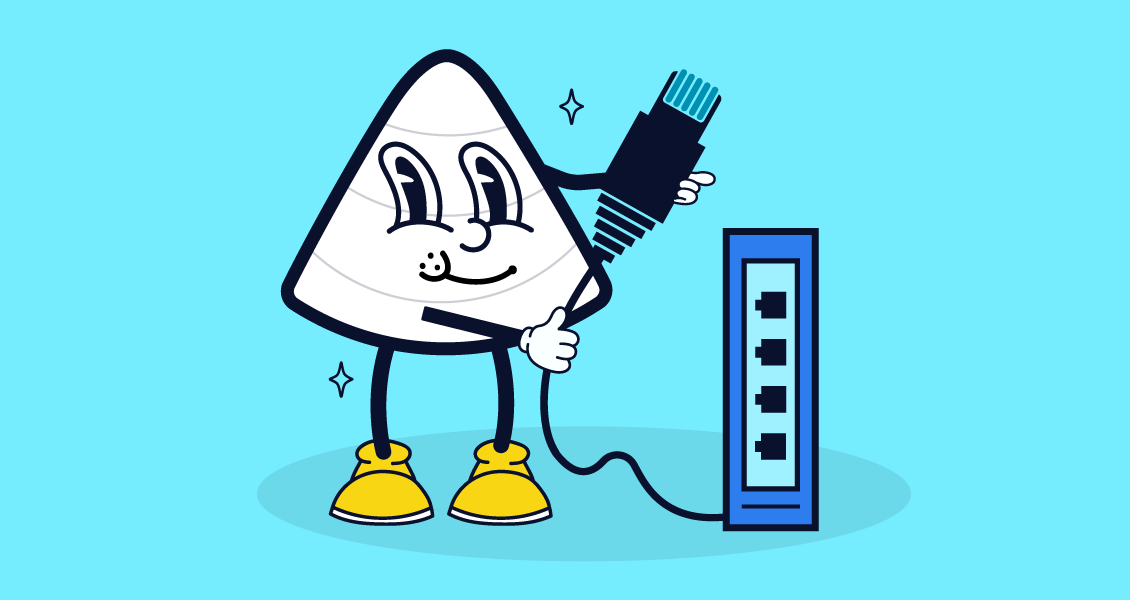
🔌 Wired vs Wi-Fi: Go Ethernet for consistency
Wi-Fi is convenient, but Ethernet cables win for gaming. They’re
⚡ More stable
🚫 Less prone to interference
🎯 Ideal for competitive players
If you can't connect directly, try powerline adapters to route Ethernet through your home's wiring.
⚙️ Enable QoS (Quality of Service) on your router
Most modern routers allow you to prioritise traffic from specific devices or apps. This means your console or gaming PC gets more bandwidth during busy periods.
🎮 Look for “QoS” in your router settings and assign priority to gaming.
📡 Update your equipment
Older routers = slower gaming. Even if you pay for fast broadband, outdated gear can limit performance.
🛠️ Make sure:
- Your router supports dual-band (2.4GHz & 5GHz)
- You update firmware regularly
- You replace routers every 4–5 years for peak performance
📊 Test and monitor your connection
Use tools like:
…to check if you're getting what you pay for. If your speeds or latency fall short, it may be time to tweak settings—or call your provider.
🌐 Explore gaming VPNs (optional)
Some gamers benefit from optimised for gaming. These can:
- Reduce ping on overseas servers
- Improve connection stability
- Add a layer of privacy
⚠️ Use with care: not all VPNs improve performance, and they may reduce speeds if poorly configured.
🎯 Final takeaway
You don’t need to overhaul your broadband provider to game like a pro. Just a few simple tweaks—like switching to Ethernet, prioritising your device, and updating your hardware—can drastically improve your online experience.
🚀 Ready to level up your gaming connection?
✅ Test your ping
✅ Enable QoS
✅ Plug in that Ethernet cable
✅ Update your router firmware
Enjoy smoother gameplay, faster response times, and more wins—all without a contract change.
Happy gaming! 🎮
🔗 Want more broadband and gaming tips like this?
Browse expert guides, tutorials, and broadband insights for every kind of user—from casual streamers to pro-level players.
👉 Explore all blogs to level up your digital life.